
Where MSP Arrest News Appears
The official news release stream is the best public starting point for selected state-police arrest news. Dated releases cover particular incidents, investigations, crashes, recoveries, and safety campaigns. It is event-driven. Many routine arrests never become a release. A published account may even come after the arrest itself. The agency publishes no statewide daily log of names. The MSP News Releases page shows how the department publishes selected arrest and enforcement information. It shows the release format, not a statewide roster.
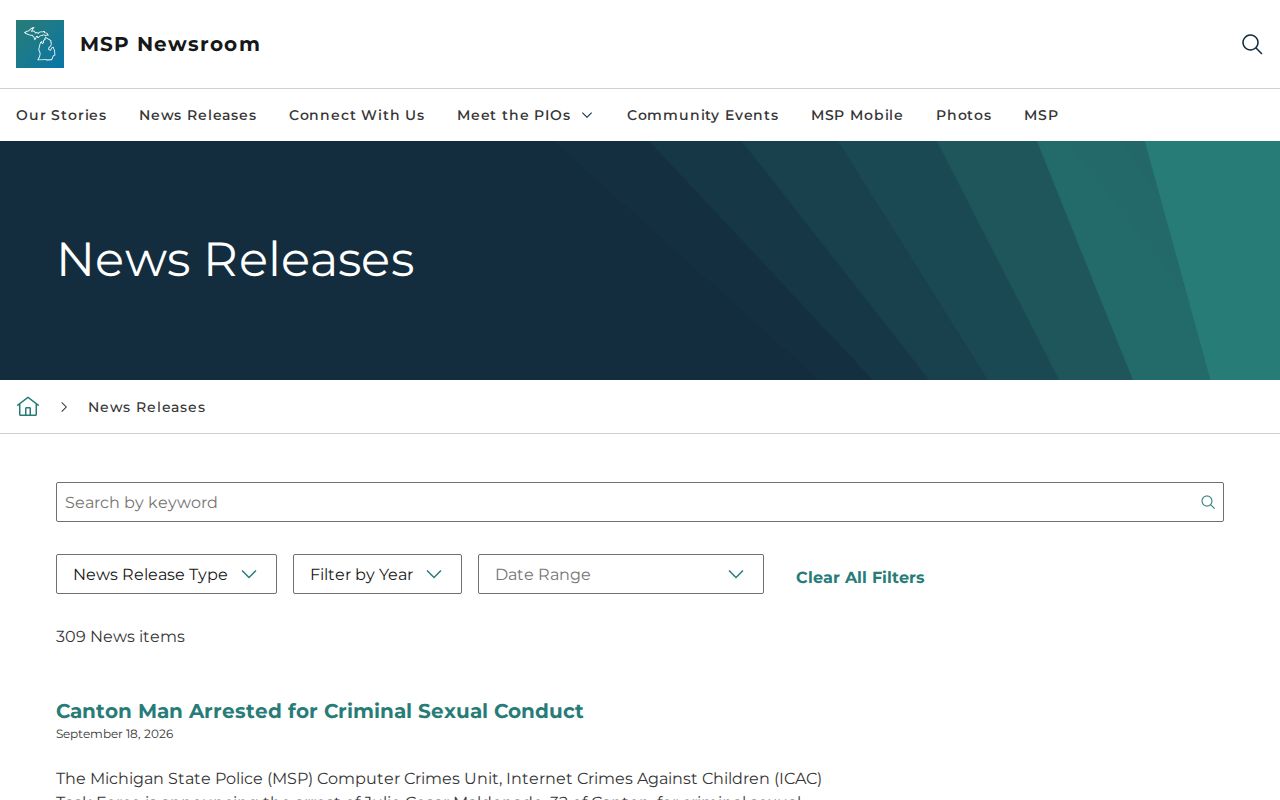
A missing name in the newsroom proves nothing. Silence there is not evidence that no arrest happened. Treat the dated release as the agency's statement on the event, and ask the receiving custodian for the booking record when you need it.
| Official channel | What it can show | Coverage limit |
|---|---|---|
| MSP News Releases | Selected incidents, arrests, investigations, crashes, and announcements. | Dated, event-driven coverage; not every arrest and not a daily name search. |
| District and post pages | Regional organization and links to local MSP posts. | Does not create one statewide custody or booking list. |
| MSP Connect and social channels | Official Facebook, X, Instagram, Threads, YouTube, district accounts, MSP Mobile, and email updates. | Posts and alerts are not a searchable, complete arrest archive. |
| Highway safety campaign releases | Periodic statewide or regional enforcement announcements and results. | Summaries do not identify every person booked during an operation. |
The Connect page is MSP's public-channel directory. MSP Mobile pushes breaking agency news. That feed can include traffic crashes, arrests, investigations, and community events. An app notice helps with current news. It is not a person-by-person log, and old posts get hard to find. The MSP district and post directory shows the regional structure and helps tie a local post to an event.
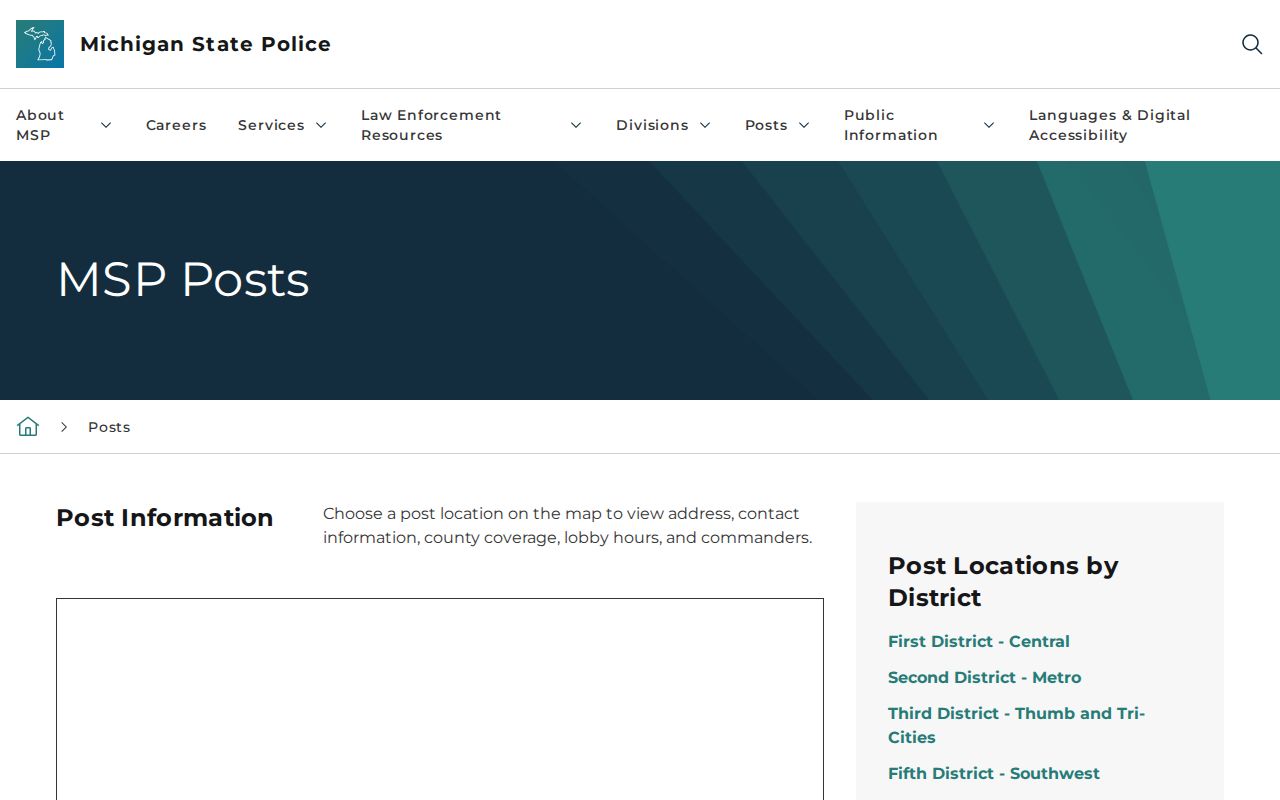
The district directory narrows a regional question to one office. It cannot say where an arrestee was booked. A district page also falls short. It does not show whether the person is still in custody. Note: MSP's seven-district structure organizes field operations, while detention records stay with the receiving custody agency.
How to Check for an MSP Arrest
Split the search into two parts. Start with an official release, when one exists. For current custody, find the county or facility that received the person. For the incident record, contact the agency holding it. If the location is unclear, the Michigan County Directory routes the search to county custody pages.
- Search the MSP News Releases page by its available dates and topic. Treat a hit as selected agency news, not the full arrest history.
- Identify the event location, MSP district or post, and any named receiving agency. If a release does not state the jail, do not assume it is located at the arrest scene.
- Check the likely receiving county’s official current-custody page. A new intake may take time to appear, and some people are released or transferred before a roster update.
- For a record MSP holds, use its FOIA request route. For a later court result, ask the court clerk or consult public case information rather than treating the booking charge as a final outcome.
A blank newsroom result is not the end. Move the search to the custodian, not to a guess about whether an arrest happened. MSP's publications are selective. Local jail pages vary in what they show, from current inmates and recent intake to booking photos. Some list far fewer fields. A current roster is a snapshot of one facility, not a history of state police work. For a person just arrested, the county booking view can beat a press release. It may lag, though. If a name is absent, verify the receiving location with the arresting office or the jail. People get cited and released, held elsewhere, moved, or listed under a different spelling. A blank result settles none of it.
Where MSP Arrests Are Booked
MSP does not operate a statewide county-jail roster. After an MSP arrest, the person is transported and booked according to the county, arresting post, charge, available detention capacity, court jurisdiction, contract arrangements, and the receiving agency’s decision. The receiving county jail or other facility creates the intake and custody record. The arresting trooper and booking officer can therefore belong to different agencies.
Many MSP arrests route into a county jail, but the receiving site is not guaranteed to be the county where the initial contact occurred. A person can be released at the scene or station, cited and released, transferred to another jurisdiction, or held briefly before a county roster entry exists. Confirm the receiving facility from the arresting agency when a roster search does not locate the person.
Start with the county feed for an active booking. A photo may appear there too, where publication policy allows. Keep dates and agency labels attached to each record. That keeps an arrest report from being mistaken for a custody update.
Custody can move beyond the county jail later on. If a person enters prison, parole, or probation in Michigan, the MDOC OTIS locator tracks that state supervision. It is separate from any county booking feed. Federal custody runs through its own systems. Immigration detention does as well. Neither an MSP news release nor a county roster will show those later stages.
Request an MSP Arrest Report
Anyone can ask MSP for a record it already holds. The official MSP FOIA page is the starting point. It links to the Records Request Portal, the requestor user guide, procedures, and FAQs. The portal itself runs through MiLogin. An incident or arrest report can be requested there. For a jail's intake record, roster entry, or booking photograph, go to the county jail instead.
MSP accepts requests several ways. Use the portal, or email MSPRecords@michigan.gov. Fax reaches 517-241-1935. Mail goes to Michigan State Police Records Resource Section, P.O. Box 30634, Lansing, MI 48909. The listed phone number is 517-241-1934. Staff in the Records Resource Section can walk you through the process. Send the request itself through one channel, with enough detail to identify the record.
Details make the request work. Give your full name and contact information. Name the person or event involved, the rough date and location, and the arresting post if known. Say which report or fields you want. For a booking image, ask the agency that actually keeps it. Request only an image MSP holds and may release.
- Choose the portal or another MSP-listed channel and identify the request as a Michigan FOIA request for records held by MSP.
- Describe the incident or arrest with names, approximate dates, location, and any report or post number available. Ask for existing records rather than a newly created statewide list.
- Request electronic copies and narrow a broad date range. State the exact items sought, such as the incident report, arrest record, or releasable booking image.
- Ask for an itemized estimate before substantial fees accrue. If material is withheld or redacted, review the response for the cited exemption and appeal route.
MSP's requestor guide walks you through the portal. Its FOIA procedures and guidelines lay out fees and request requirements. Labor for search, review, redaction, copying, and mailing can all be charged. No flat rate exists. Each arrest record takes different work.
| FOIA point | Michigan MSP procedure |
|---|---|
| Response window | MCL 15.235 generally allows five business days for an initial response, with a one-time extension of up to ten additional business days. |
| Estimate and scope | Request an itemized estimate; narrow dates and ask for electronic copies to limit avoidable search and copy work. |
| Portal payment charge | Current MSP procedures identify a $2 processing charge for portal, email, or fax payment. |
| Qualifying waiver | The first $20 of qualifying labor may be waived when the requester meets the statute’s indigency conditions. |
The statutory deadline covers the response, not delivery of records. MSP may grant, deny, or grant in part. It can also ask for clarification. One extension is allowed under the statute. Treat the deadline as an answer date, not a same-day arrest search. The MSP FOIA procedures page shows the agency's request requirements and fee guidance, which vary with the work involved.
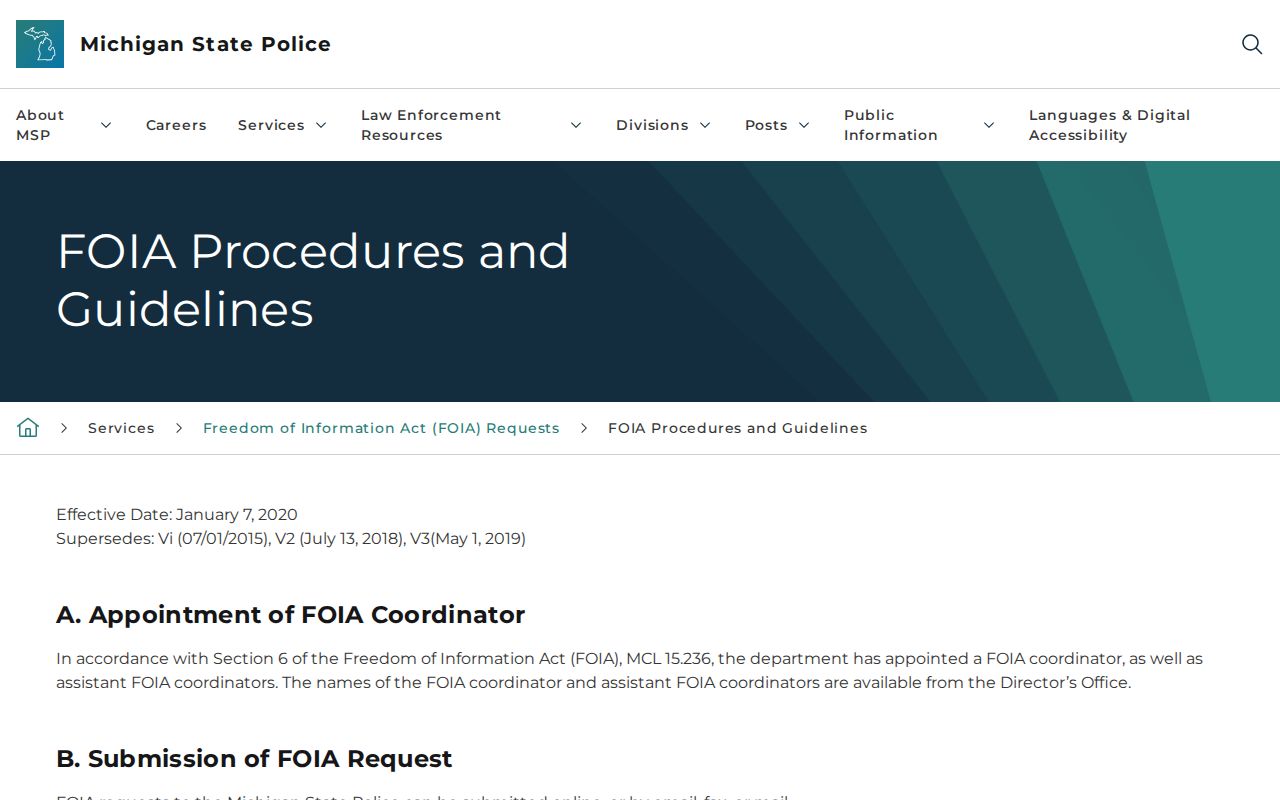
Read the current procedures before sending a broad request. Narrow the date range and record type. That saves time on both ends. A booking record held by a county jail belongs with that county's custodian, not MSP.
Note: FOIA opens access to existing public records but never requires MSP to create a new statewide arrest report.
MSP Booking Photo Release Rules
A booking photo can stay off every public roster. Release practices differ across Michigan agencies. The Statewide Network of Agency Photos, or SNAP, spells this out. Under its acceptable-use policy, the originating agency's approval may be needed before a criminal mugshot goes out. FOIA can override that when disclosure is required. So find the custodian and the image source first. MSP cannot always release a photo made during a county booking. The MSP SNAP acceptable-use policy documents that agency-by-agency variation.
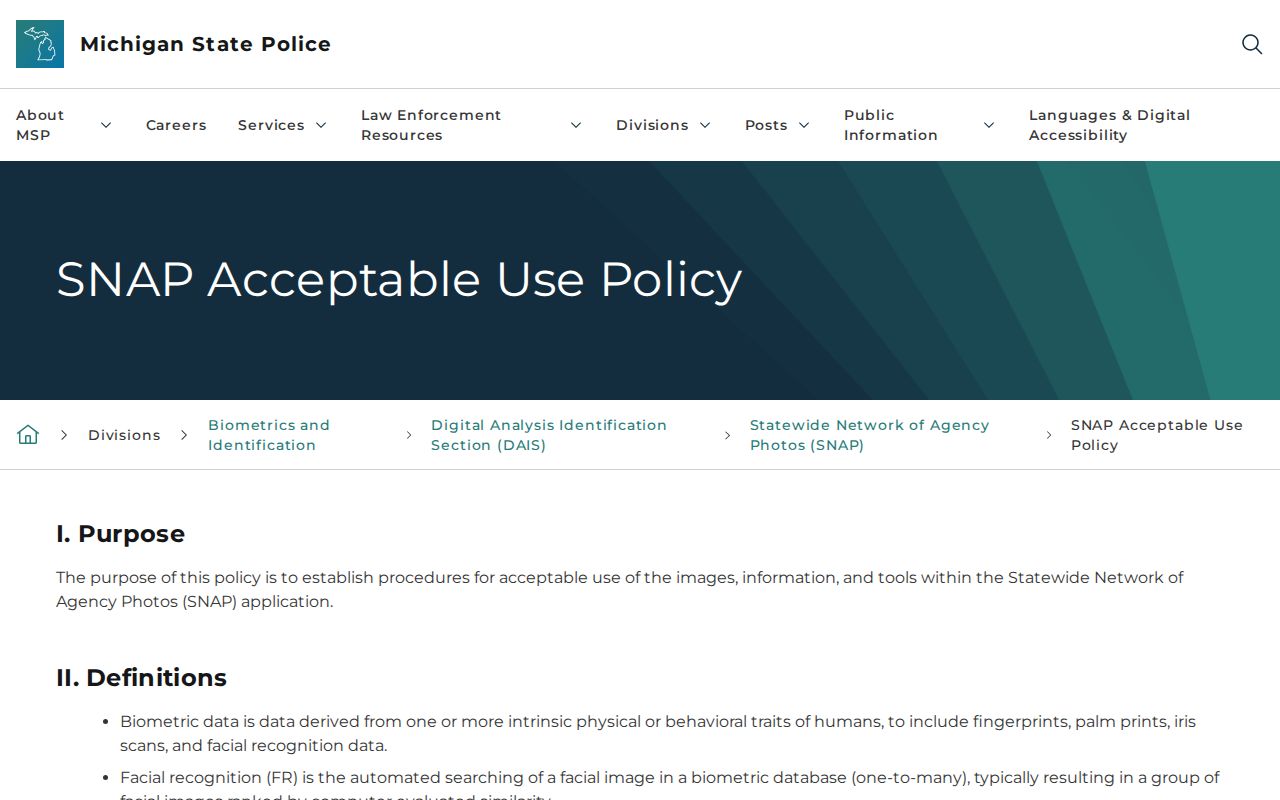
That policy page helps explain why public views differ across Michigan. It is a policy reference, nothing more. No gallery, no index of arrested people. For one specific image, ask the booking agency first. It holds the original, and the arresting agency may keep a separate copy as well. Before releasing anything, an agency can weigh privacy, investigative, victim, juvenile, and security limits. Other legal restrictions can also apply.
MSP Enforcement Arrest Results
Enforcement announcements are not booking logs. MSP and the Office of Highway Safety Planning publish these notices and campaign summaries from time to time. They cover impaired-driving crackdowns and other pushes, statewide or regional. A summary can tally stops, citations, and arrests for one operation without naming each person or showing where anyone was booked.
One example is the August 2026 Drive Sober or Get Pulled Over announcement. That release set enforcement to begin August 14. Read it for its timeline, not as a count of who was actually arrested.
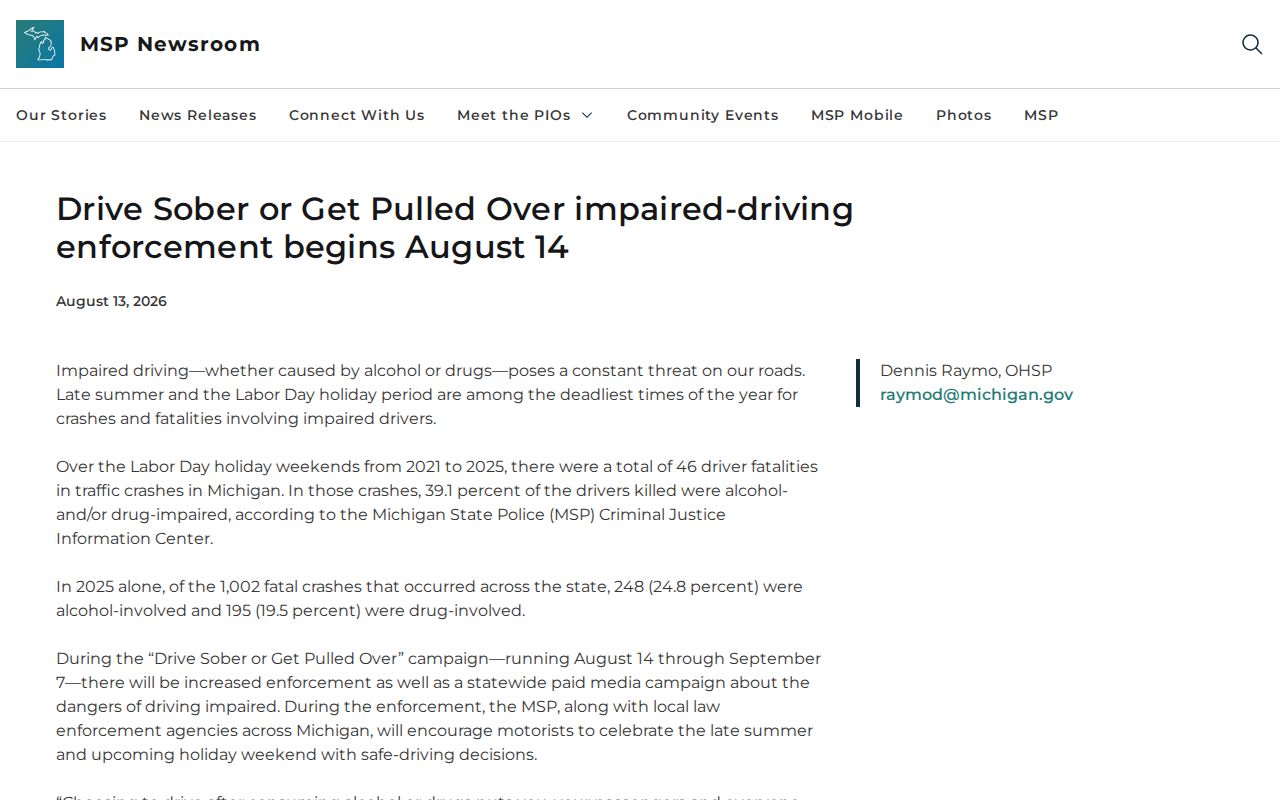
A campaign release tells you the shape of an enforcement period. It cannot tell you whether a specific person was arrested or is still in custody. That answer lives elsewhere. Check the arresting agency's own record, then the receiving jail's custody system.
For wider date ranges, pair an event release with the statewide Arrest Log. It keeps agency news separate. County booking and blotter systems sit apart in it. Dates can trip you up here. An incident date, arrest date, booking date, release date, and publication date rarely line up.
MSP's ICHAT is its own animal, a state criminal-history search with its own rules. It is not a live arrest feed. Traffic-crash records are a separate service too. They are no substitute for an arrest or incident report. Match the record type to your question. Then request it from the agency that keeps it.
Custody status, an agency release, and a court record are three different snapshots of one event. Each answers a different question. Keep the source date attached to whatever details you use, since these records update on their own schedules.